Easy? Umo it.
Pay your fare digitally
New: Umo ScanRide launching on Access & Pickup on November 2!
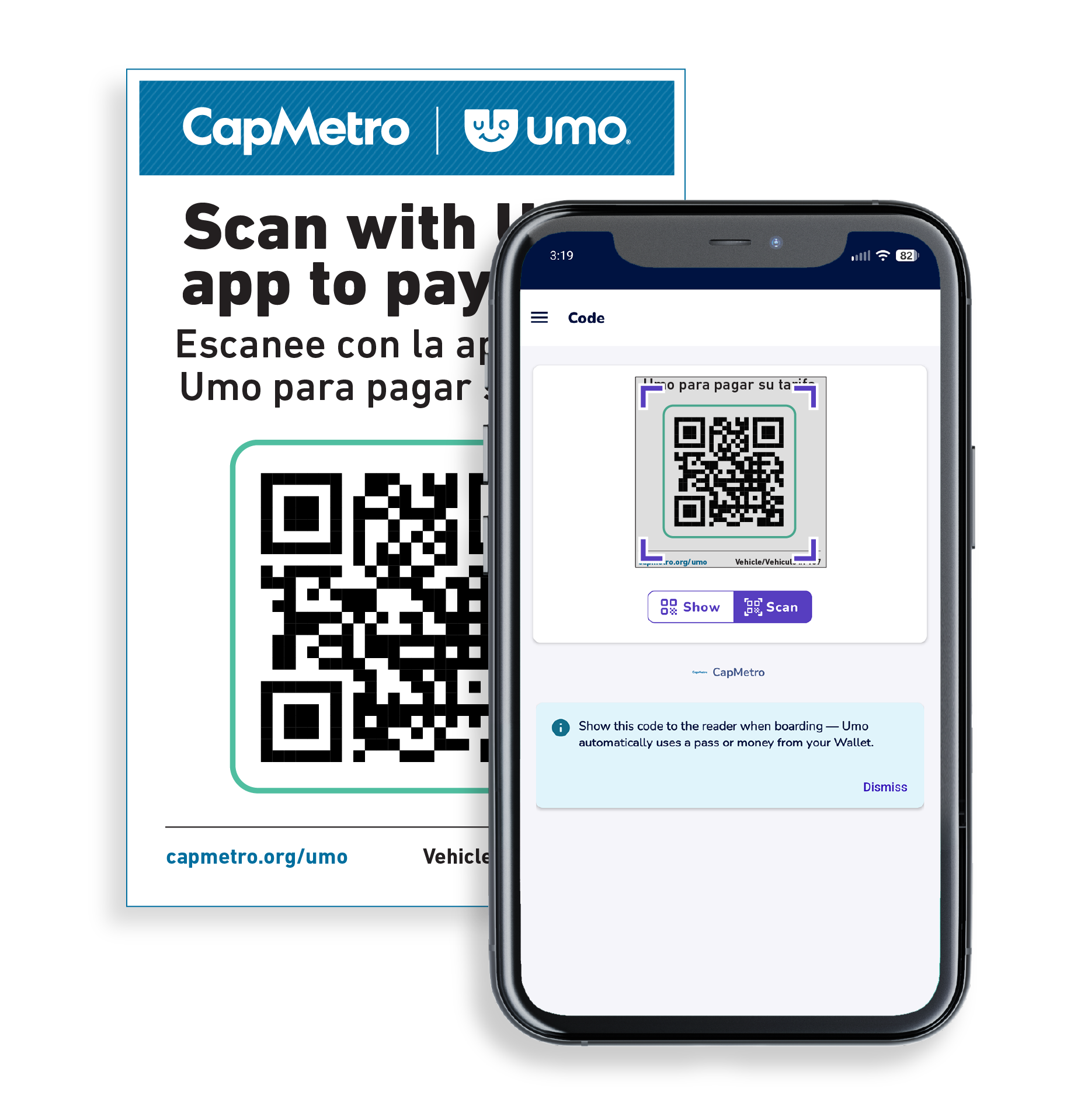
Scan the Umo code inside Pickup & Access vehicles. Your Umo app will automatically either use a digital pass or your wallet balance to pay your fare. With this new method, you can enjoy fare capping on Pickup and local services for that service day and calendar month.
- Open Umo app
- Select "Code"
- Select "Scan"
- Locate the QR code inside the Pickup vehicle and scan it to pay.
Umo for Digital Payments



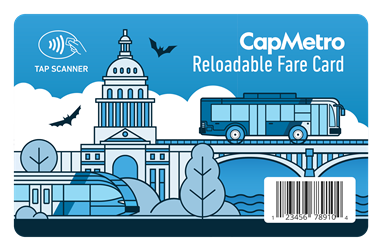
CapMetro Reloadable Fare Card

Visit the Transit Store to get a CapMetro Reloadable Fare Card with automatic daily and monthly fare capping. Learn how to set up your fare card.
Individuals in the HMIS can visit social service providers to get their cards.You cannot use both the Umo app and the Reloadable Fare Card, you must choose one.
Features
Automatic fare capping!
What is fare capping? Using the fare card or the Umo app, you can pay per ride for Bus or Rail and always get the lowest fare. When you've spent $2.50 for standard fare in a service day or paid $41.25 in a month, you've met the cap and the rest of your rides are free until the next service day or calendar month.
You'll get daily (not monthly) fare capping if you choose to Tap to Pay.
Faster boarding
Our scanners work seamlessly with the Umo app and tap to pay to get you boarded even faster. You can tap your credit or debit card, phone and smartwatch to a CapMetro bus scanner to pay your fare on CapMetro Buses only. You'll get daily (not monthly) fare capping with this method.

More Retailers
Load cash to your Umo app or Reloadable Fare Card at an updated network of participating retailers and the Transit Store. You can get your reloadable fare card at HEB.
How to Set Up Your Accounts
You must choose only one method: app or card!