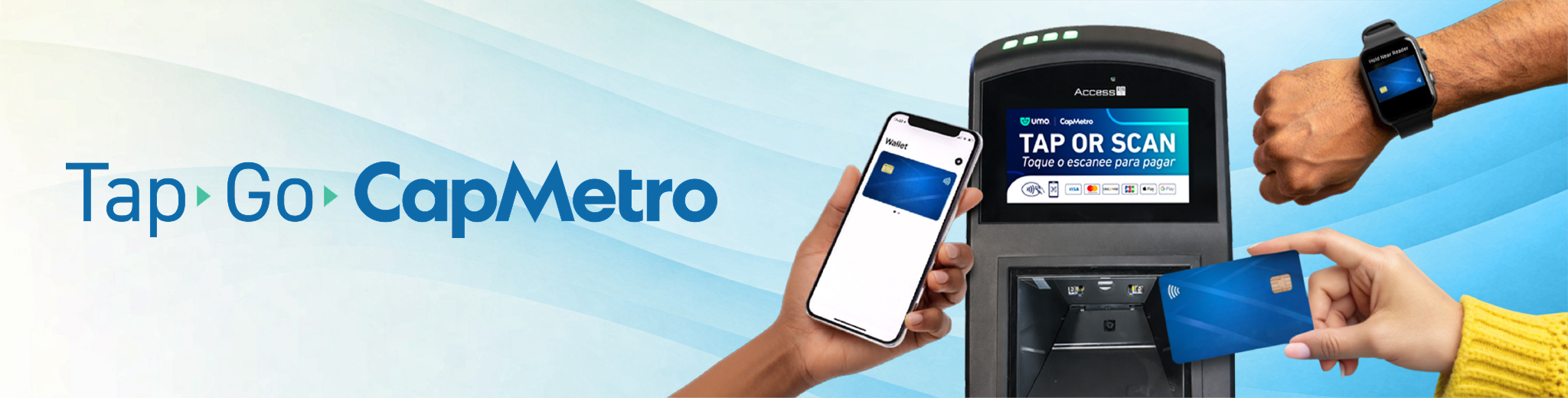
Tap to Pay on CapMetro Bus
Riders can tap to pay on CapMetro Buses, making boarding faster and easier than ever. Riders can pay their fare by simply tapping a contactless credit/debit card or payment-enabled phone.
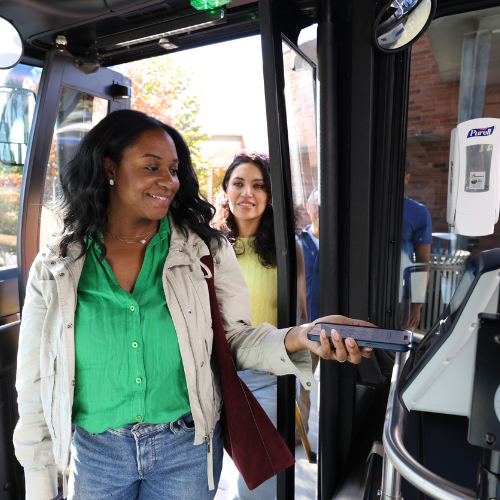
Pay fare by using:
- Contactless bank cards
- Credit cards
- Debit cards
- Apple Pay
- Google Pay
American Express is not accepted
.jpg?sfvrsn=8101bd18_3 "tap to pay image 3")
Fare Capping
- Daily Fare Capping Included! Riders will never pay more than $2.50 per service day for standard fare. Once the daily cap is reached, remaining rides that day are free.
Monthly fare capping is not available with Tap to Pay. For the best discounts, riders should use the Umo app, which offers both daily and monthly fare capping.
.jpg?sfvrsn=9f9733da_5 "tap to pay image 2")
How to Tap
1. Look for the scanner icon and tap your card or payment device to the scanner on the bus.
2. Payment is successful when the scanner displays a green screen and beeps!
Tap to Pay Tips
- Tap to pay is not available on any other CapMetro services like Rail or Access.
- Keep your cards separate and only touch one form of payment to the reader—you can only benefit from fare capping if you use the same card to pay.
- Each rider must use a different contactless payment method.
Link with Transit app
Transit app is the best way to plan and track your ride. The app shows you when tap to pay is accepted & links to your phone wallet seamlessly!
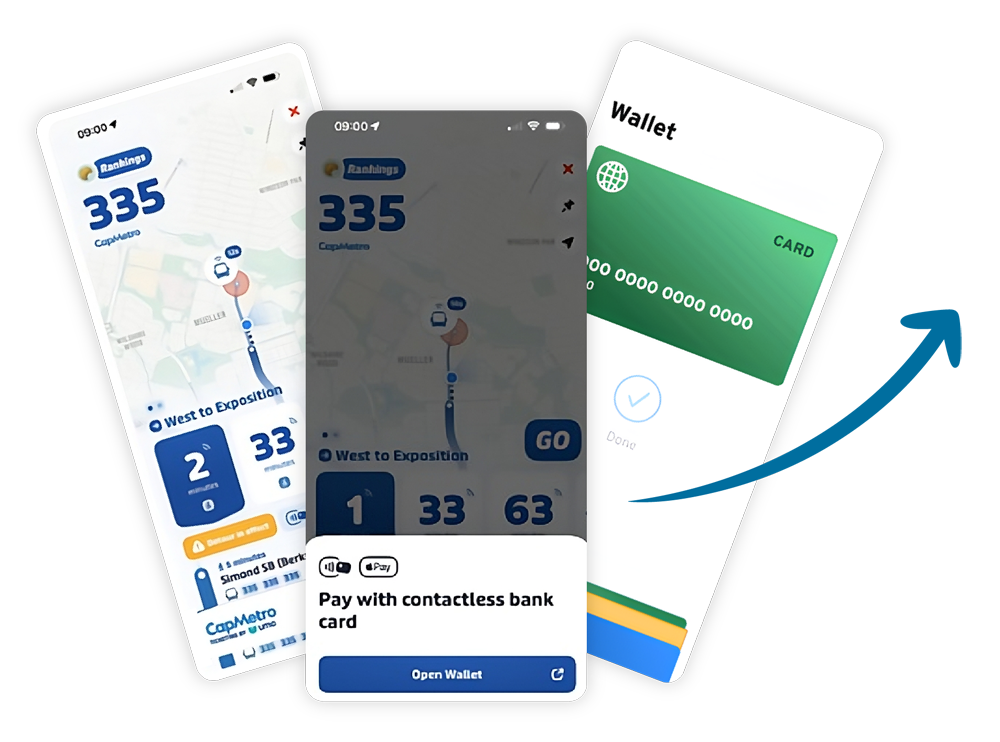
Tap into Austin
Getting where you want to go is easier than ever! Plan your trip now and pay for your bus ride using Tap to Pay with your phone's mobile wallet, your credit card or debit card.