
Bus Farebox Replacement & Day Pass Retirement 2026
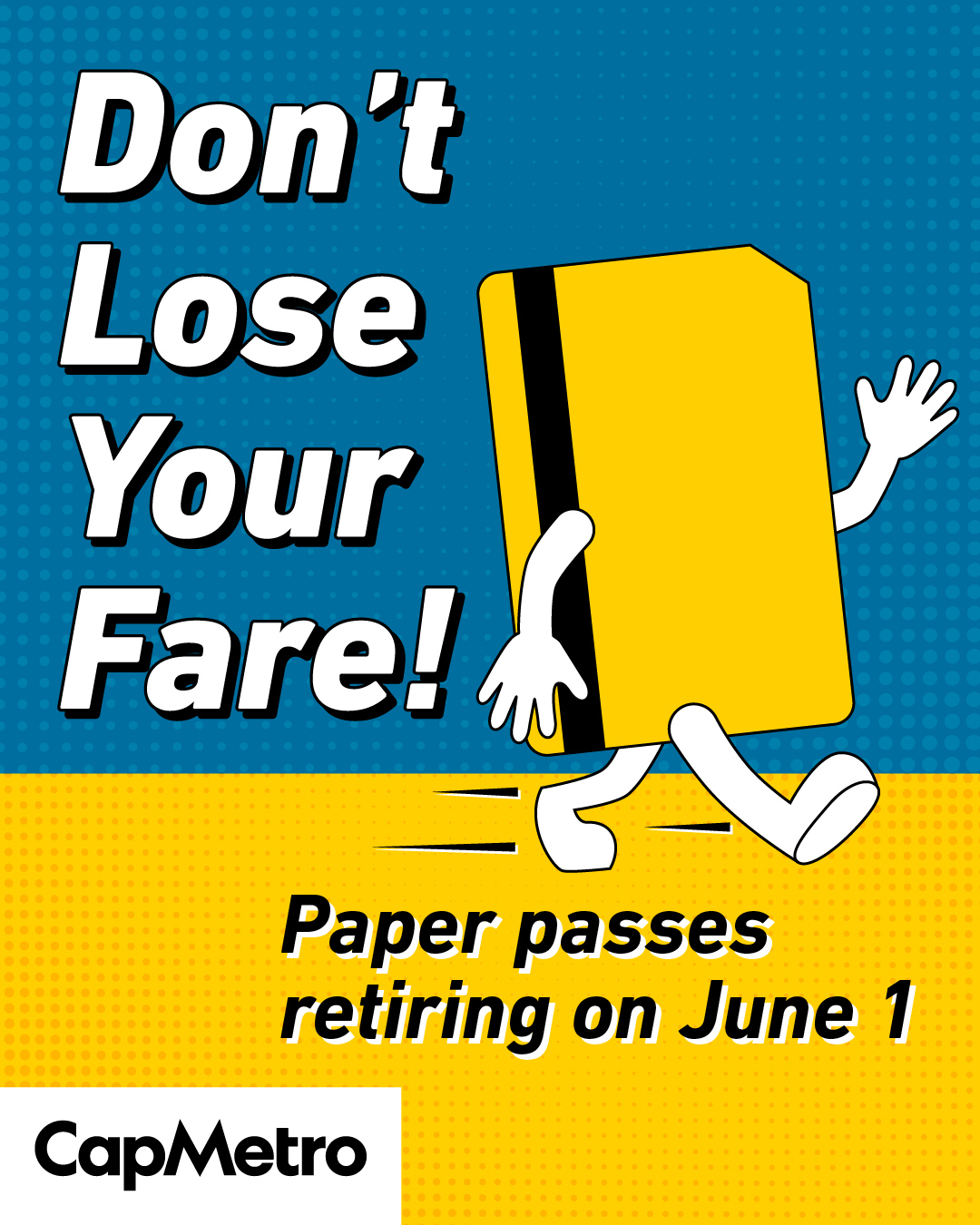
CapMetro is currently upgrading the fareboxes on all buses. We are no longer selling or accepting paper passes with magnetic stripes.
What has changed:
- Day passes (and paper passes with magnetic stripes) are not sold or accepted at bus fareboxes.
- You can still use cash to buy a Single Ride at the farebox or Ticket Vending Machines.
- During this upgrade, we are removing rear-door scanners. Only board at the front of the bus.
Get the same cost benefits of a day pass with these methods
Riders can use these payment methods to get the benefits of our retired Day Pass. You'll pay the same standard fare: $2.50 per Service Day (4 a.m. to 3:59 a.m.) for Local services and $7 for Commuter services per service day.
- Tap to pay with your credit or debit card
- The Umo app
- A CapMetro Reloadable Fare Card. Get your card and load it with cash (maximum amount $200) at H-E-B, the Transit Store or other popular retailers. See the full list of retailers.
Exchange your unused day passes
Exchange unused & unvalidated passes by visiting the Transit Store (1705 Guadalupe St). You will receive one Reloadable Fare Card or Umo app credit of equal value and up to $200 before December 31. Each customer must exchange all unused passes in one visit/transaction.
CapMetroAccess Customers Monthly Pass Changes
If you are an CapMetro Access customer, you can start picking up your monthly passes at the Transit Store (1705 Guadalupe St).
In order to ride Bus, Rail and Pickup, Access customers will need to use either a new Reloadable Fare Card or create an account in Umo. You can associate reduced fares with one of these payment methods at the Transit Store. When you ride, scan your Umo app or tap the Fare Card on the bus scanner or Rail operator's handheld device.
If you already have a Reloadable Fare Card or Umo account, you'll need to associate reduced fares with your Umo app or Reloadable Fare Card by filling out this form.
How to Set Up Your Accounts
You must choose only one method: app or card!


Read previous public comments on these changes.